Top 3 Free AI Vector & Illustration Generators for Graphic Designers (2026)
Discover the 2026 breakthrough of AI generators capable of spitting out fully editable, infinite-resolution vector file paths for graphic designers.
The Infinite Canvas: Moving Beyond Raster
For years, the traditional pain point of AI image generation was a glaringly obvious one for professionals: almost every tool only outputted static raster images (PNGs or JPGs). While Midjourney and DALL-E could create beautiful concepts, dropping those assets into a brand identity or UI design meant dealing with pixelation the moment you needed to scale them up.
Welcome to the massive 2026 breakthrough. We have officially entered the era of AI generators capable of spitting out fully editable, infinite-resolution vector (SVG) file paths. These aren't just auto-traced bitmaps—they are native mathematical vectors with clean anchor points, bezier curves, and layered groups.
Here are the top three free AI vector tools you need in your design stack right now.
1. Recraft.ai (The Vector Powerhouse)
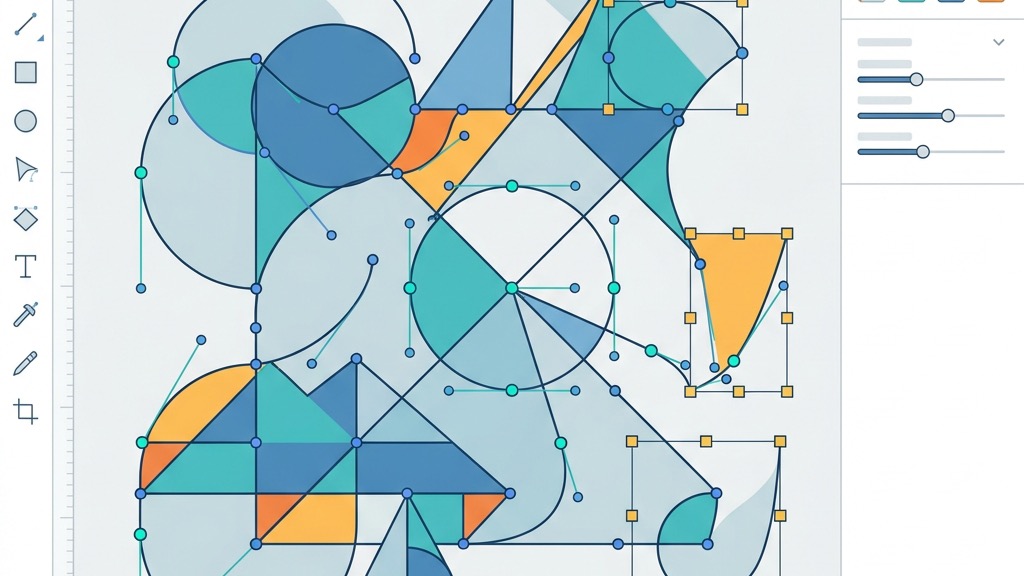
When it comes to pure, unadulterated vector generation, Recraft.ai sits entirely in a league of its own. It has secured a unique position in the market by focusing explicitly on native, clean SVG illustrations, icon sets, and branding graphics.
Unlike other platforms that try to be everything for everyone, Recraft understands that a graphic designer needs layered SVGs. Its standout feature is an incredibly robust style-consistency engine. You can upload your brand's existing vector assets, define a specific line weight and color palette, and Recraft will generate entire asset kits matching that exact same brand aesthetic.
Every single path it generates is cleanly layered and mathematically perfect, ready to be exported directly into Adobe Illustrator or Figma without requiring any cleanup.
Explore Recraft's Vector Canvas
2. Kittl AI (The Logo & Merch Specialist)
While Recraft focuses on universal asset generation, Kittl AI has carved out an aggressive niche as the ultimate workspace for logos, typography, and merchandise design.
What makes Kittl incredibly powerful is its built-in vector editor. You aren't just generating an image and downloading it; you are generating a composition directly onto a professional design artboard. Users can input text prompts to generate complex logos, vintage labels, and intricate t-shirt graphics.
Once generated, Kittl breaks the asset down into editable layers. You can immediately click, move, and edit individual vector anchor points right inside their workspace. If the AI generated a badge but the star icon is slightly off-center, you just click the star and drag it—the ultimate marriage of AI generation and manual graphic control.
Official Kittl Creative Workspace
3. Ideogram 4.0 (The Typography King)
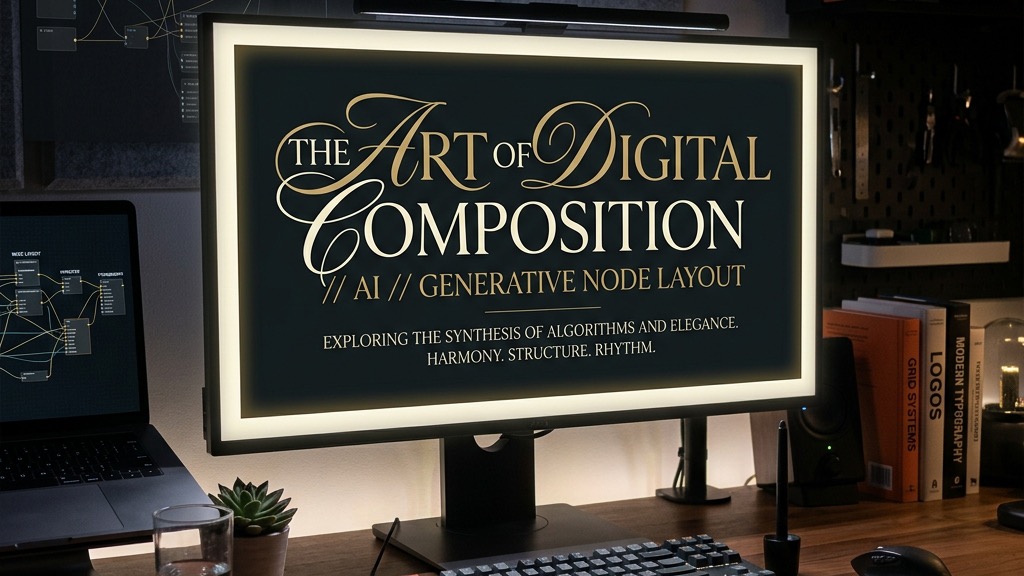
Historically, asking an AI to render text resulted in an illegible, alien language. Ideogram 4.0 changed everything, making it an absolutely vital tool for modern graphic designers.
Ideogram handles text inside images flawlessly. It allows designers to create highly complex posters, merchandise layouts, and typography concepts with crystal-clear, readable lettering. While it initially gained fame for raster generation, its 2026 iteration offers unprecedented control over typographic layouts, making it incredibly easy to mockup text-heavy designs.
Even on its free tier, Ideogram allows you to rapidly prototype complex editorial layouts. If you need a base composition for a poster with integrated script fonts, Ideogram will generate a perfect starting point that you can trace or adapt in your primary vector tool.
Official Ideogram Generation Engine
4. Free-Tier Capability & Format Comparison
Before you commit to migrating your workflow, it's crucial to understand exactly what each platform offers on their free tier. Here is the technical breakdown:
| Tool | Free Tier Daily Budget | Native SVG Export? | Best For | | :--- | :--- | :--- | :--- | | Recraft.ai | 30 Credits / Day | Yes (Full Layers) | Icons, Flat UI Vectors, Brand Asset Kits | | Kittl AI | 15 Credits / Day | Yes (Via Workspace) | Logos, Badges, Merch, Complex Layouts | | Ideogram 4.0 | 25 "Slow" Credits / Day | No (PNG/JPG Only) | Typography Concepts, Poster Mockups |
Note: As of 2026, most platforms enforce public generation visibility on their free tiers. If you are working under strict NDAs, you will need to upgrade to a commercial plan.
5. Tying It into Your Existing Design Workflow
The key to mastering AI in 2026 isn't to let it replace your process, but to let it accelerate your scaffolding phase.
Start by generating your core typography and layout concepts in Ideogram. Once you have the vibe, move over to Recraft.ai to generate the specific, infinitely scalable SVG assets (icons, flat illustrations) that match your brand. Finally, use Kittl for any complex logo badge layouts.
Take these free AI vector outputs, drop them straight into Figma or Illustrator, clean up the layers, adjust the bezier curves for perfection, and deploy them to client websites. By integrating these three tools, you can scale your design speed exponentially while maintaining the pristine quality of mathematical vector graphics.
Continue Reading
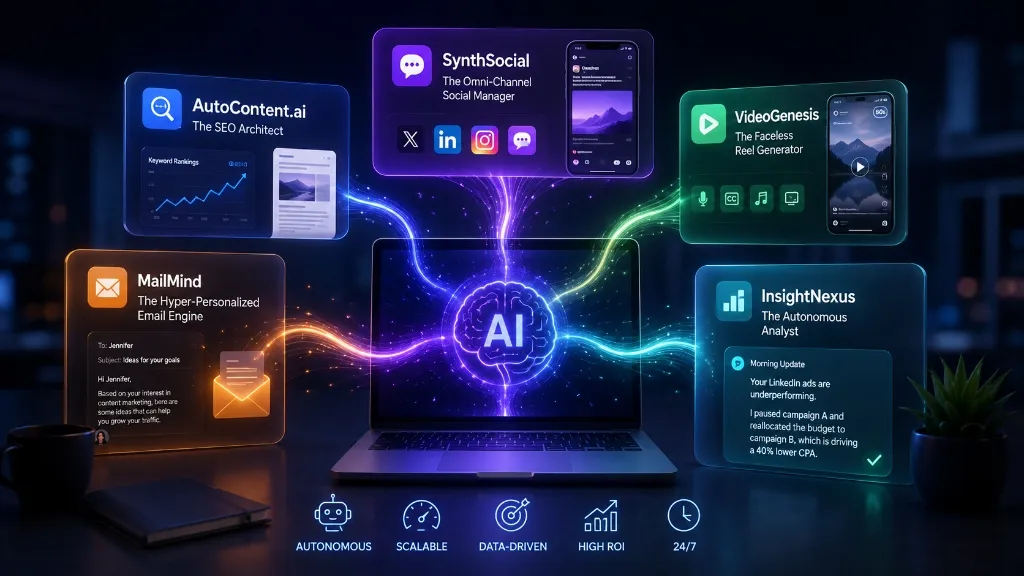
The 5 AI Tools That Will Replace Your Content Marketing Agency in 2026
Discover the cutting-edge autonomous AI marketing tools that are rendering traditional content agencies obsolete this year.
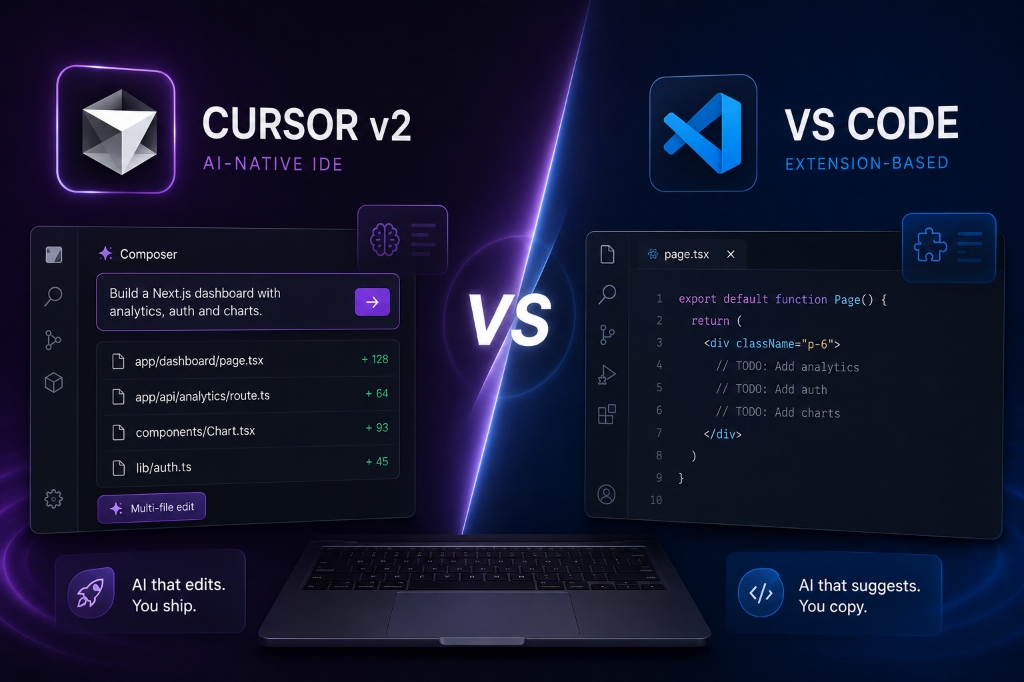
Cursor v2 vs. VS Code: Why AI-Native IDEs are the Future of Next.js Development (2026)
A deep dive into why developers are abandoning VS Code for Cursor. We explore multi-file Composer edits, codebase indexing, and Next.js workflow optimization.
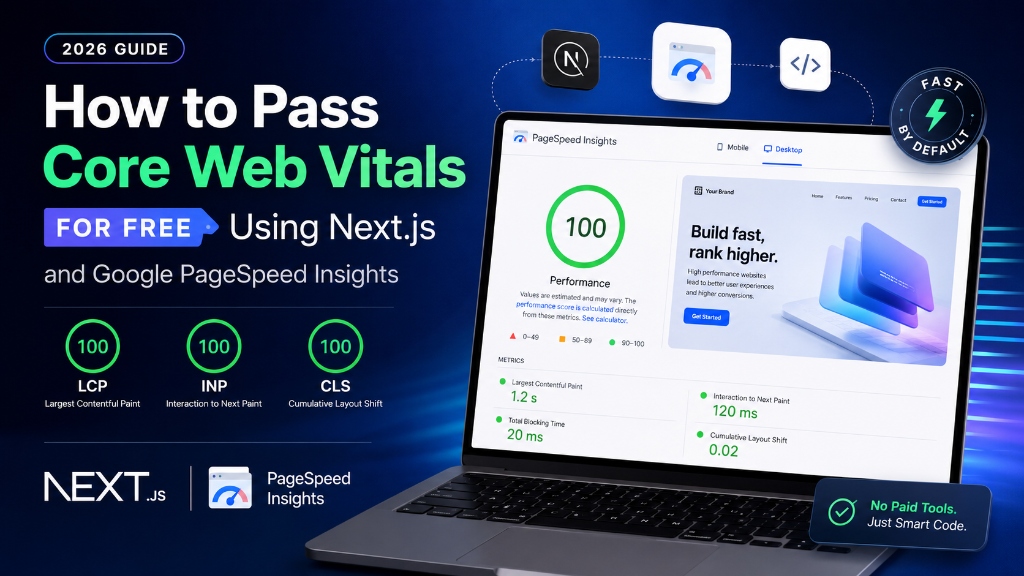
How to Pass Core Web Vitals for Free Using Next.js and Google PageSpeed Insights (2026 Guide)
A step-by-step developer tutorial on optimizing Next.js structures, handling script loading, and passing PageSpeed benchmarks without paid optimization tools.