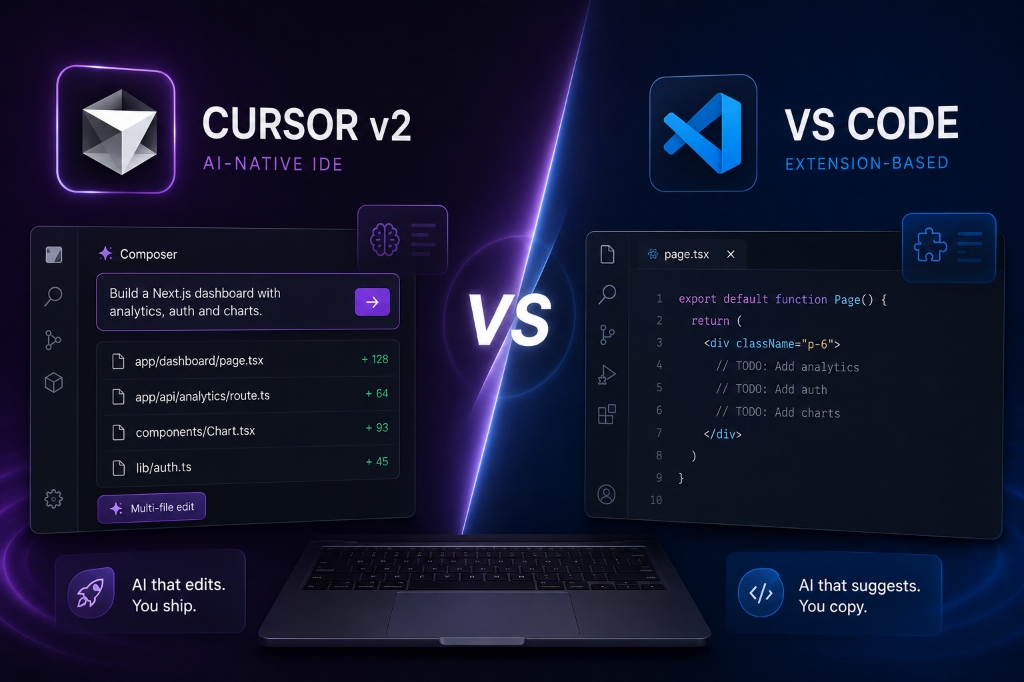
Cursor v2 vs. VS Code: Why AI-Native IDEs are the Future of Next.js Development (2026)
A deep dive into why developers are abandoning VS Code for Cursor. We explore multi-file Composer edits, codebase indexing, and Next.js workflow optimization.
The End of the Copilot Era
For years, the gold standard of AI-assisted programming has been GitHub Copilot living inside VS Code. It was magical when it first launched—hitting "Tab" to complete a function felt like having a senior engineer looking over your shoulder.
However, in 2026, simple autocompletion is no longer enough. The rise of Cursor v2 has fundamentally changed how we build Next.js applications, moving us from "AI autocompletion" to "AI generation and orchestration."
Instead of fighting with an extension that only sees your current active file, Cursor is an entirely AI-native IDE rebuilt from the ground up to understand your entire architectural context.
1. The Power of the Cursor Composer

The most glaring limitation of traditional VS Code AI extensions is their inability to perform coordinated, multi-file edits.
If you want to add a new authentication route to your Next.js App Router, you don't just edit one file. You need to update middleware.ts, create a route.ts API handler, update your auth.config.ts, and finally build the login/page.tsx UI.
With Cursor's Composer feature (Cmd+I or Cmd+K), you simply prompt the IDE: "Implement NextAuth credentials provider and protect the /dashboard route."
Cursor doesn't just give you a snippet to copy and paste. It generates a multi-file diff across all 4 files simultaneously. You can review the diffs in real-time, accept them with one click, and watch your entire Next.js architecture update in seconds.
2. Deep Codebase Indexing (The Secret Sauce)
How does Cursor know where your middleware.ts is, or what your database schema looks like? The answer is deep codebase indexing.
Unlike VS Code extensions that rely heavily on whatever file you happen to have open in an active tab, Cursor actively indexes your entire Git repository locally. When you ask it a question about your routing structure or your Tailwind configuration, it scans the entire directory tree to provide perfectly grounded answers.
This is especially critical for Next.js, where conventions dictate structure. Cursor understands the difference between Server Components and Client Components based on their location and the "use client" directive, preventing it from hallucinating impossible React hooks on the server.
3. The Migration Cost: Is it Worth It?
The biggest hesitation developers have when switching to Cursor is the fear of losing their VS Code setup.
Fortunately, this is a non-issue. Cursor is a fork of VS Code (VSCodium). This means with a single click during installation, you can port over your entire existing VS Code environment:
- All your keyboard shortcuts
- All your custom themes
- Every single extension you rely on (Prettier, ESLint, Tailwind IntelliSense)
The learning curve is effectively zero. You get your exact VS Code setup, but supercharged with native AI capabilities that extensions simply cannot replicate due to API constraints.
The Verdict
If you are a Next.js developer still relying solely on standard VS Code and a web browser with ChatGPT open in a side tab, you are operating at a massive disadvantage.
Cursor v2 has proven that the future of development isn't just having an AI assistant—it's having an AI co-worker that can navigate your directory, edit multiple files simultaneously, and understand your app's architecture.
The transition is seamless, the productivity gains are measurable, and best of all, the core functionality is entirely free to try. The era of the AI-native IDE has officially arrived.
Continue Reading

The 5 AI Tools That Will Replace Your Content Marketing Agency in 2026
Discover the cutting-edge autonomous AI marketing tools that are rendering traditional content agencies obsolete this year.
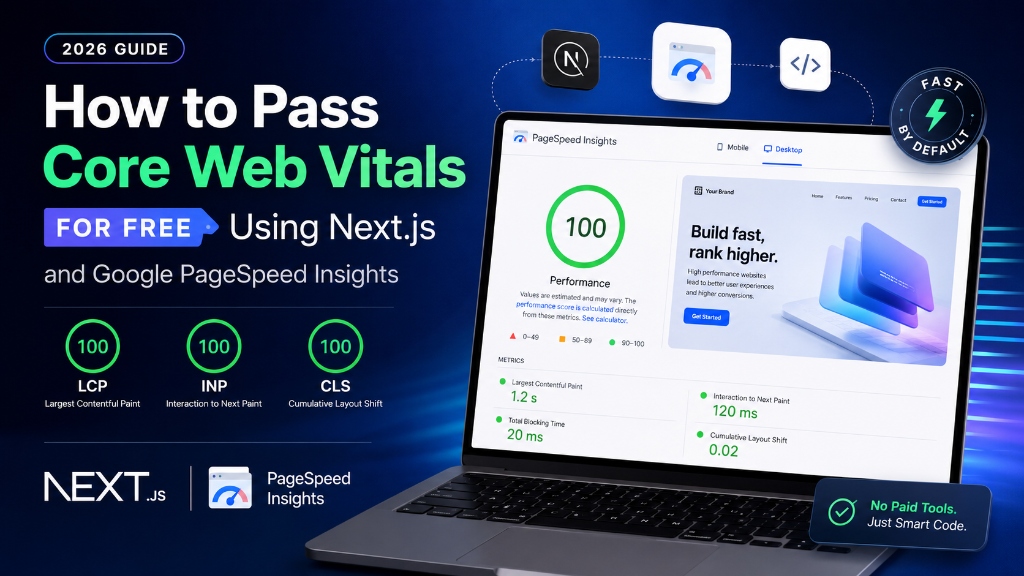
How to Pass Core Web Vitals for Free Using Next.js and Google PageSpeed Insights (2026 Guide)
A step-by-step developer tutorial on optimizing Next.js structures, handling script loading, and passing PageSpeed benchmarks without paid optimization tools.

The 3 Best Free AI Tools for Web Developers & UI Designers (Tested & Reviewed)
A review of the best free AI tools for developers, including Vercel v0, Google AI Studio, and Figma.