
The 3 Best Free AI Tools for Web Developers & UI Designers (Tested & Reviewed)
A review of the best free AI tools for developers, including Vercel v0, Google AI Studio, and Figma.
The software subscription fatigue developers face in 2026 is a very real, very pressing issue. With every new specialized tool—from Cursor Pro and GitHub Copilot to Claude Pro and ChatGPT Plus—the monthly overhead for a freelance web developer or UI designer can easily exceed hundreds of dollars. But what if you could achieve the exact same premium, professional-grade results without paying a single cent? By strategically utilizing robust free tiers across the ecosystem, you absolutely can.
In this comprehensive guide, we're going to dive deep into three foundational tools that every modern developer and designer should master. We'll explore exactly how you can leverage their free offerings to build stunning, high-converting web applications, automate tedious scripting tasks, and prototype pixel-perfect user interfaces.
Verdict Summary
- Best for UI & Component Assembly: Vercel v0
- Best for Automation & Scripts: Google AI Studio
- Best for Visual Mockups & Collaboration: Figma Free Tier
1. Deep Dive on Vercel v0 (Free Tier)
When it comes to rapidly prototyping user interfaces, Vercel v0 has completely shifted the paradigm. Built on the shoulders of standard generative AI models, v0 excels specifically at text-to-component assembly. Instead of giving you vague code snippets, it provides production-ready React components wrapped in Tailwind CSS that you can instantly copy and paste into your Next.js applications.
The free tier provides an incredibly generous allowance of generation credits. What makes v0 truly special is its understanding of modern frontend constraints—it respects responsive design breakpoints, accessibility standards, and clean DOM structures. You can ask it for a "bento box dashboard layout for a SaaS application" and within seconds, you have a fully functional grid layout. This is not just a toy; it is an accelerator for senior engineers and a brilliant learning tool for juniors.
To get the most out of the free tier, we recommend using it for scaffolding complex structural layouts rather than granular logic components. Focus on generating the "shell" of your UI, and then wire up the state management and API calls yourself. This hybrid approach saves hours of CSS wrangling while ensuring your application logic remains entirely under your control.
2. Deep Dive on Google AI Studio & Gemini API
If Vercel v0 is your frontend architect, Google AI Studio is your backend workhorse. While many developers immediately jump to paying for OpenAI's API access or ChatGPT Plus for code assistance, Google has quietly provided one of the most generous free tiers in the industry through Google AI Studio.
At the time of this writing, developers can access state-of-the-art multimodal models with an allowance of up to 1,000 free requests per day. This is absolutely massive. Whether you are running bulk code formatting scripts, analyzing large datasets, automating log parsing, or generating boilerplate backend logic, the Gemini API can handle it without hitting a paywall.
The true power of Google AI Studio lies in its massive context window. You can drop entire project directories, documentation files, and massive JSON payloads into the prompt. Want to rewrite a 500-line legacy Python script into modern TypeScript? Drop the entire file in. The model can ingest the entire context simultaneously, drastically reducing hallucination and producing highly coherent outputs.
View AI Studio Pricing & Free Limits
3. Deep Dive on Figma (Free Tier Workflow Tools)
Before a single line of code is written, a solid visual foundation is required. Figma remains the undisputed king of UI/UX design, and its free "Starter" tier is arguably all a solo developer or freelance designer will ever need. Unlike bloated, legacy desktop software, Figma operates entirely in the browser and introduces developers to crucial CSS paradigms through a visual interface.
The most powerful feature available on the free tier is 'Auto Layout'. Mastering Auto Layout in Figma directly translates to mastering Flexbox and CSS Grid in the real world. By visually configuring padding, gaps, alignment, and wrapping behavior, you are essentially visually coding. This creates a seamless handoff process between your design phase and your implementation phase.
While the free tier limits you to 3 project files within a team workspace, you can create unlimited personal drafts. By effectively managing your drafts and maintaining a centralized UI component library, you can build massive, multi-page web applications entirely within Figma's free constraints. It's the ultimate tool for ensuring your visual hierarchy is perfect before investing time in code.
View Figma Pricing & Free Limits
The Comparison Matrix
| Tool | Best Used For | Biggest Free Tier Win | Main Limitation | |------|--------------|----------------------|-----------------| | Vercel v0 | UI/UX generation | Production-ready React code | Limited generation credits | | Google AI Studio | Logic & scripting | 1,000 free requests/day | Raw API requires own UI setup | | Figma | Visual mockup & CSS planning | Unlimited auto-layout use | 3 project limit in team workspace |
Final Thoughts
Mastering these free tiers allows you to build a premium web presence and deliver fast prototypes without the heavy subscription burden. By combining Vercel v0 for rapid layout generation, Google AI Studio for complex backend and scripting tasks, and Figma for pixel-perfect visual planning, you have a complete, enterprise-grade toolkit at your disposal for zero monthly cost. Stop paying for every new wrapper service, and start utilizing the incredible free foundational tools available right now.
📦 Download the Designer Asset Pack
Enjoyed the resources in this article? Enter your email to unlock my private vault of free premium UI templates, custom vector assets, and typography configurations delivered straight to your inbox.
Continue Reading

The 5 AI Tools That Will Replace Your Content Marketing Agency in 2026
Discover the cutting-edge autonomous AI marketing tools that are rendering traditional content agencies obsolete this year.
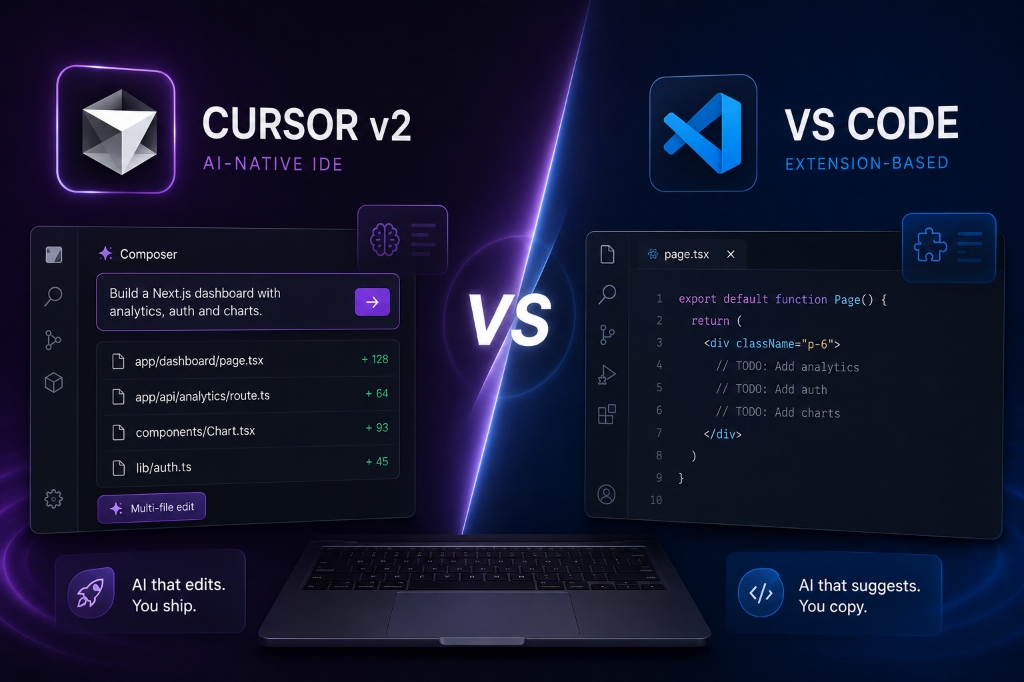
Cursor v2 vs. VS Code: Why AI-Native IDEs are the Future of Next.js Development (2026)
A deep dive into why developers are abandoning VS Code for Cursor. We explore multi-file Composer edits, codebase indexing, and Next.js workflow optimization.
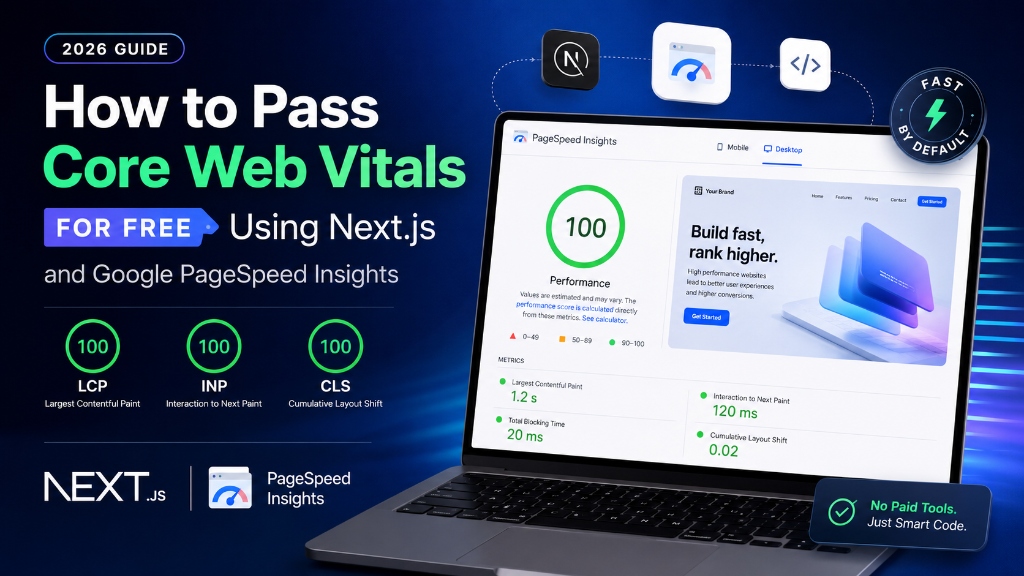
How to Pass Core Web Vitals for Free Using Next.js and Google PageSpeed Insights (2026 Guide)
A step-by-step developer tutorial on optimizing Next.js structures, handling script loading, and passing PageSpeed benchmarks without paid optimization tools.